API Collections
API Collections in Insomnia
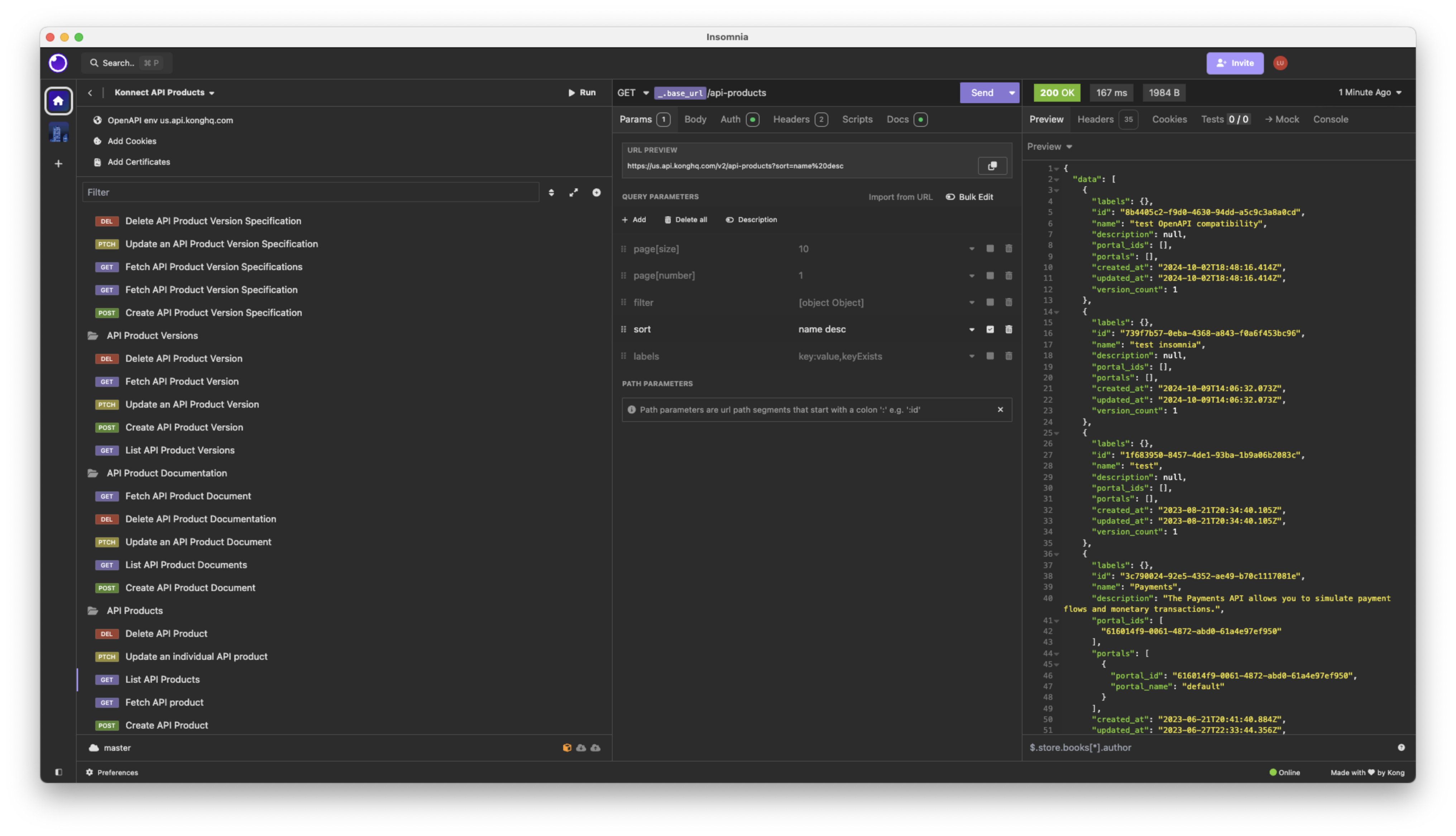
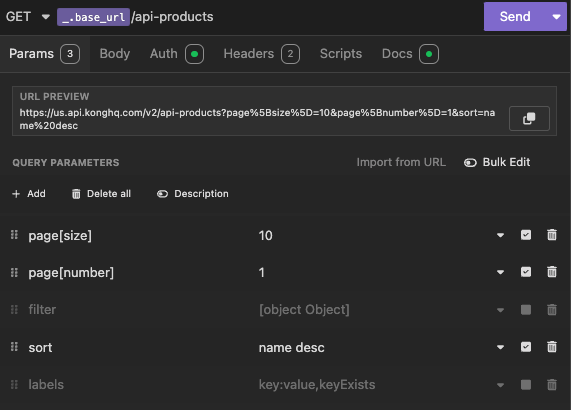
An API Collection is the workspace where you do most of your work in Insomnia. It holds your requests, folders, environments, and an optional OpenAPI spec, so you can design an API and call it in the same place. You can use an API Collection to:
- Create and send requests
- Run multiple requests with the Collection Runner
- Write and preview an OpenAPI spec
- Write scripts to modify requests or check responses
v13.3+ Documents and collections are now a single workspace type called an API Collection. Your existing documents and collections keep working and open as API Collections. For more details, see What happened to documents?
Design APIs with an OpenAPI spec
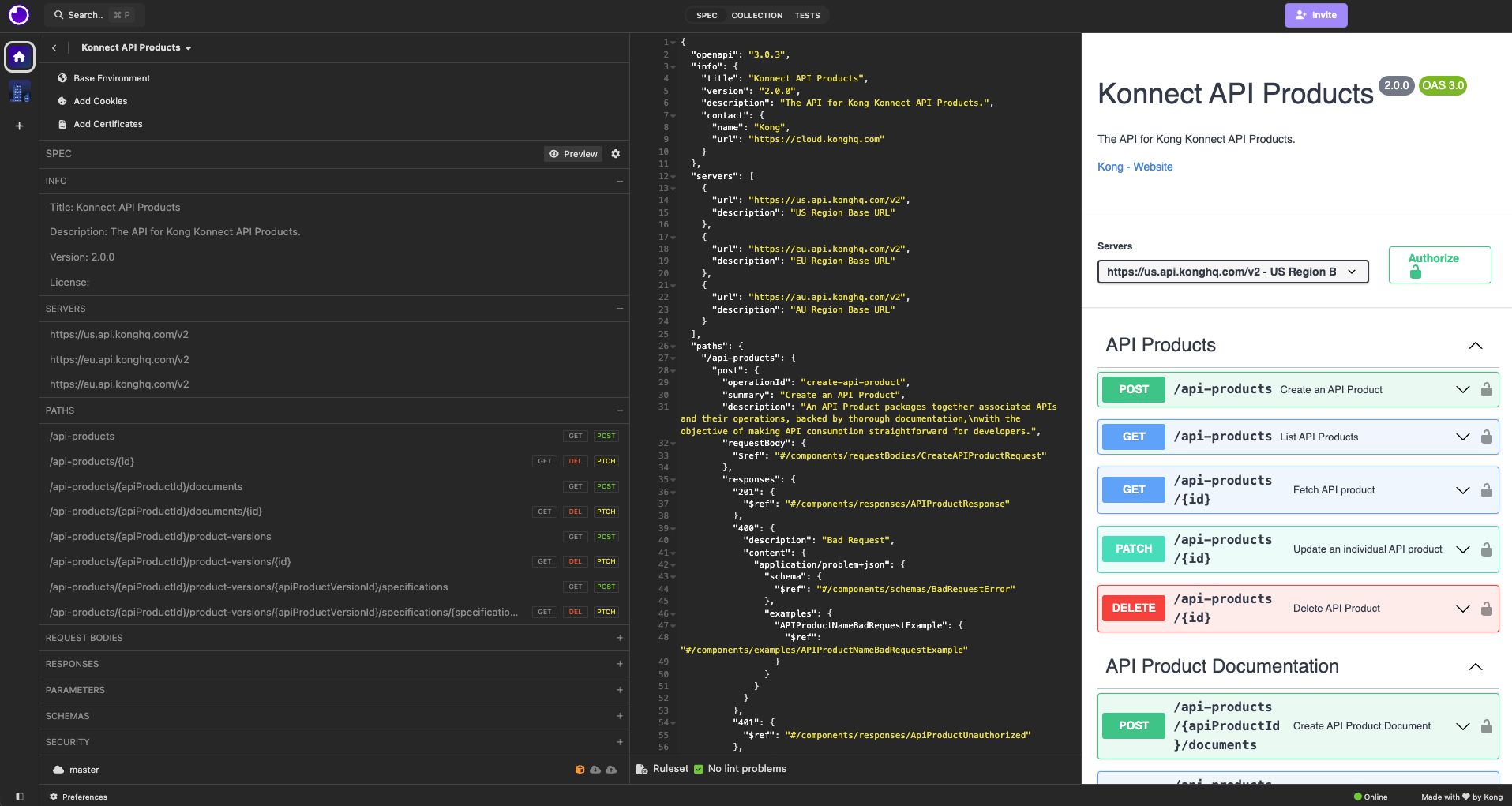
Every API Collection can hold one OpenAPI spec. Click the Spec tab on the API Collection screen to write or import a spec, then generate a request for each endpoint in it. The interactive spec renderer lets you develop and refine your spec in the same place where you test it.
- Built for spec-first development
- View a generated preview of your spec
- Automatic linting, with the ability to write custom linting rules
- View the errors console
- Automatically parse and categorize data from your spec, such as servers, request bodies, and schemas
- Generate a request for each endpoint in the spec
Write scripts
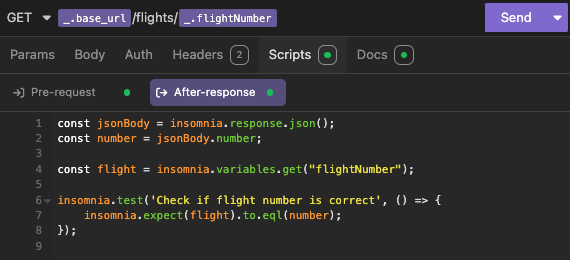
The pre-request and after-response scripts allows you to interact with the request and its response. You can use these to:
- Set or unset variables
- Update the contents of the request
- Dynamically update request bodies
- Test the response
Frequently asked questions
What happened to documents?
v13.3+ Documents and collections are merged into a single workspace type called an API Collection, so you no longer have to choose between them when you start work. Create > Design document is no longer in the UI.
Nothing was removed. Every API Collection can hold requests, folders, environments, and one OpenAPI spec. Your existing documents and collections open as API Collections, and the spec that used to have its own workspace is now the Spec tab of the API Collection screen.
Can collaborators on Insomnia 13.2 still open my API Collections?
Yes. Insomnia stores an API Collection that contains a spec in the same format as a 13.2 document, and an API Collection without a spec in the same format as a 13.2 collection, so both versions can work in the same Git repository or cloud project.
The difference is what collaborators see in the sidebar. In 13.3, the requests in an API Collection display in the sidebar under the API Collection. In 13.2, the requests in an API Collection that contains a spec don’t display in the sidebar. To keep the experience consistent, upgrade everyone in your organization to 13.3.
Does Insomnia support GraphQL?
Yes, Insomnia supports GraphQL.
Can I import requests from another tool?
Yes, you can create requests in API Collections by importing:
- Postman collections
- Swagger/OpenAPI specifications
- cURL commands
- Insomnia files
- HAR files
- WSDL files
Can I run API Collections in CI/CD environments?
Yes, you can use the inso run collection command in Inso CLI to run a collection automatically.
Can I set authentication headers at the collection level so I do not repeat them on every request?
No. As a workaround, group the relevant requests in a folder and then set authentication at the folder level for that group to avoid duplicating headers on each request.
Can I hide other projects and API Collections to focus only on one?
Yes. Go to Preferences > General > Application and enable Sidebar focus for collections. The sidebar then displays only the contents of the API Collection you select. This is enabled by default since Insomnia 13.2, and since 13.3 it also applies to API Collections that contain a spec.